1Password
1Password simplifies the creation and sharing of unique, strong passwords for individuals and businesses.
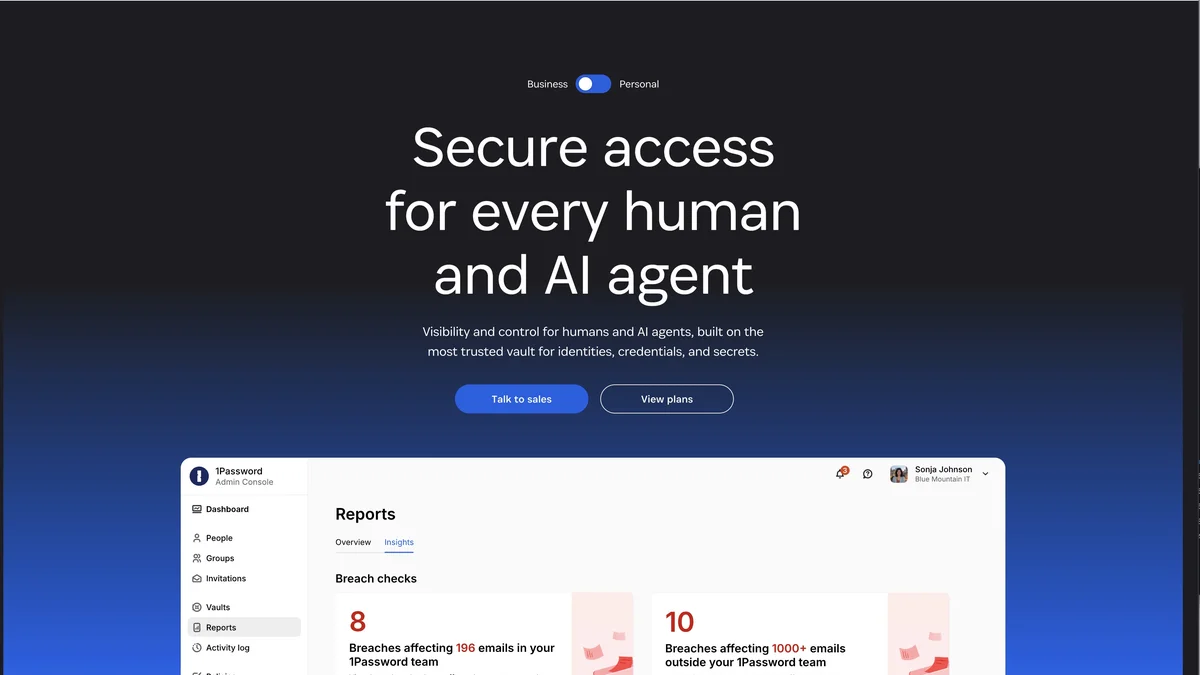
About 1Password
1Password is a password management solution that helps users generate and store complex, unique passwords for all their online accounts. It offers secure sharing capabilities for teams and businesses. Trusted by over 100,000 companies, 1Password focuses on providing robust security to protect sensitive information. The service aims to make digital security simple and accessible for everyone.
Key Features
Secure Password Generation
1Password automatically generates strong, unique passwords for all your online accounts, ensuring you don't reuse weak or common credentials.
Cross-Platform Syncing
Access your saved passwords, secure notes, and credit card information seamlessly across all your devices, including desktop, mobile, and web browsers.
Secure Sharing
Safely share specific passwords or vaults of information with family members or team members without exposing the actual credentials directly.
Two-Factor Authentication (2FA) Support
Integrates support for various 2FA methods, adding an extra layer of security beyond just the password.
Watchtower Security Audits
Continuously monitors your saved passwords against known data breaches and alerts you if any credentials need updating.
Use Cases
Protecting Personal Online Accounts
Individuals can use 1Password to secure all their personal logins, financial information, and sensitive documents from unauthorized access.
Team Credential Management
Businesses can use shared vaults to securely manage access to essential company services, software licenses, and administrative logins for teams.
Securely Storing Sensitive Documents
Users can encrypt and store important documents like passport scans, insurance details, and software license keys within the secure vault.
Streamlining Login Processes
By automatically filling in login forms across websites and applications, 1Password significantly speeds up the daily process of accessing necessary tools.
Auditing Security Posture
Organizations can use the security audit features to identify weak, old, or compromised passwords across the entire organization's saved credentials.
Frequently Asked Questions
Is 1Password free to use?
1Password offers a free trial period for new users, but it primarily operates on a paid subscription model for continuous, full-featured access, though some limited functionality might be available.
Where are my passwords stored?
Your encrypted data is stored securely on 1Password's servers, protected by end-to-end encryption, meaning only you hold the key to decrypt your information.
Can I use 1Password on multiple devices?
Yes, 1Password is designed for cross-platform use, allowing synchronization and access across Windows, macOS, Linux, iOS, and Android devices.
Does 1Password store my Master Password?
No, 1Password never stores your Master Password. It is the key to decrypting your data, and only you know it, ensuring that even 1Password cannot access your vault contents.
How does 1Password handle data breaches?
If a password you saved is found in a known data breach, 1Password's Watchtower feature will alert you immediately, prompting you to change the compromised password.