CrankWheel
CrankWheel provides screen sharing specifically for sales professionals, emphasizing simplicity and no downloads for prospects.
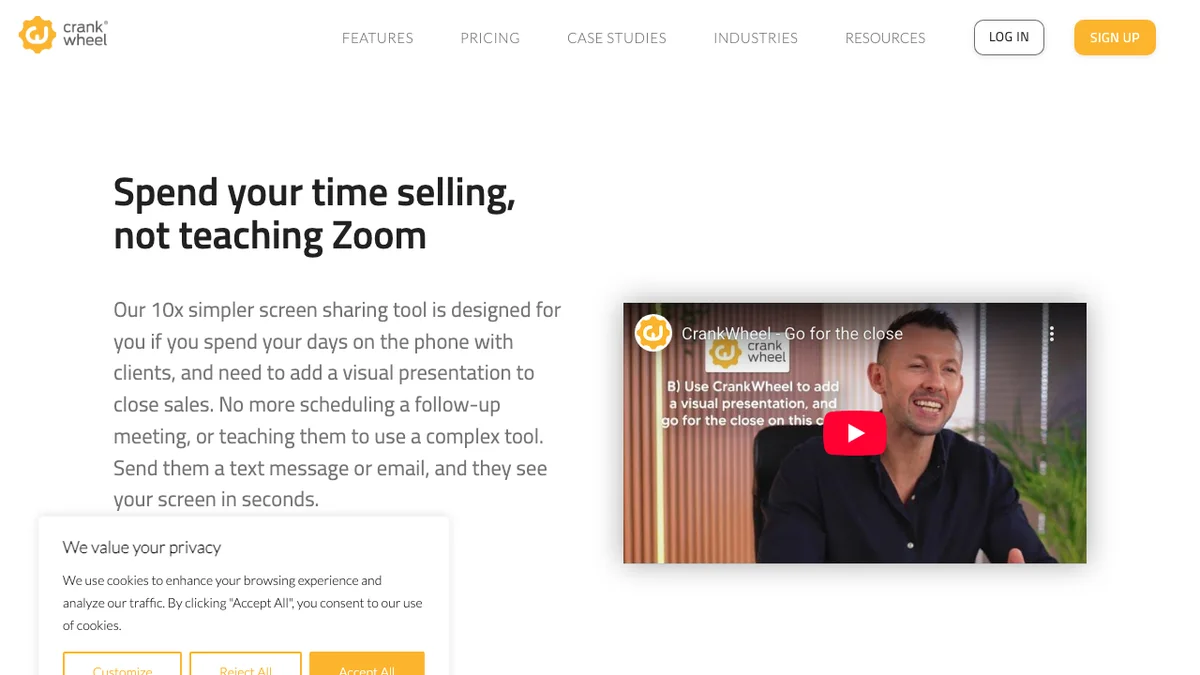
About CrankWheel
CrankWheel offers a streamlined screen sharing solution tailored for sales professionals, aiming to be significantly simpler than complex web conferencing tools like Zoom. Its key feature is the ability for prospects to join sessions instantly without needing to download any software, regardless of whether they are on a mobile phone, tablet, or computer. This allows sales reps to easily add presentations to a standard phone call or conduct a full web conference with minimal friction.
Key Features
Instant Screen Sharing
CrankWheel allows users to start sharing their screen immediately without requiring any downloads or installations for the person viewing the screen, ensuring a frictionless experience for prospects and clients.
Sales-Focused Interface
The tool is specifically designed with sales workflows in mind, offering features that streamline presentations and demonstrations during sales calls.
High-Quality Video and Audio
It provides reliable, high-quality streaming capabilities to ensure clear communication and smooth visual sharing during critical sales interactions.
Secure and Private Sessions
CrankWheel emphasizes security, allowing users to control who can view their screen and ensuring that sharing sessions are private and protected.
Integration with CRMs
While not explicitly detailed, screen sharing tools often integrate with popular CRM systems to log meeting details and improve sales process tracking.
Use Cases
Remote Sales Demos
Sales professionals can use CrankWheel to quickly launch screen-sharing sessions during virtual meetings to demonstrate software features or product capabilities to potential buyers.
Technical Support for Clients
Customer support teams can leverage the instant screen sharing to troubleshoot issues by visually guiding clients through complex steps on their screen.
Virtual Consultations
Consultants or advisors can use the tool to share documents, presentations, or data visualizations with clients in real-time during remote consultation sessions.
Quick Internal Collaboration
Team members can use CrankWheel for rapid, ad-hoc screen sharing during internal meetings when a full video conferencing suite isn't necessary or available.
Prospect Engagement
Marketing or sales development representatives can use the tool to quickly engage warm leads by offering an immediate, no-friction screen share to answer initial questions.
Frequently Asked Questions
Does the prospect need to download any software?
No, one of CrankWheel's main selling points is that prospects do not need to download or install any software to view the shared screen.
Is CrankWheel suitable for large group presentations?
CrankWheel is primarily optimized for one-to-one or small group interactions, making it ideal for sales demos and support, rather than large webinars.
What platforms does CrankWheel support for sharing?
CrankWheel supports screen sharing from various operating systems, ensuring compatibility across different user environments.
How secure are the screen sharing sessions?
Sessions are designed to be secure, requiring explicit initiation by the presenter, and typically use encrypted connections for privacy.
Is there a free trial available?
As a paid service focused on professional use, CrankWheel usually offers a trial period or tiered plans, though pricing details require checking their official site.