Landbot
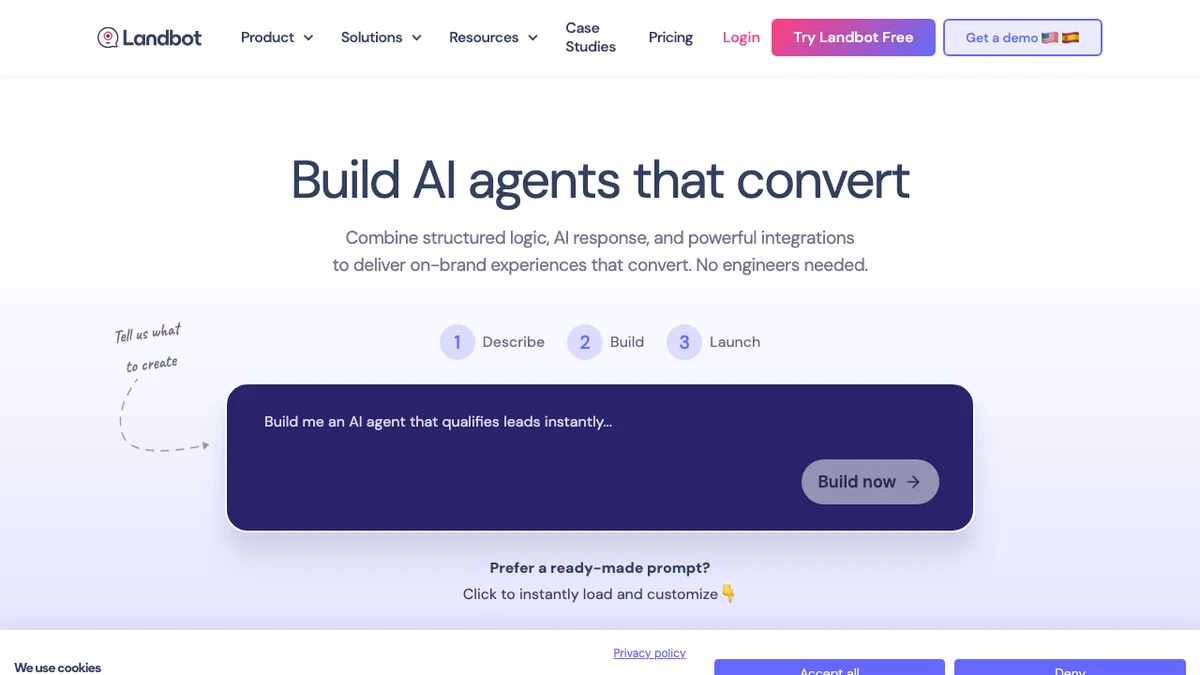
Landbot is an intuitive platform for building chatbots for websites and WhatsApp to automate tasks like lead capture and customer support.
About Landbot
Landbot provides a user-friendly interface for designing and deploying conversational chatbots across various channels, primarily websites and WhatsApp. These bots are designed to automate essential business functions, including capturing leads, handling customer support inquiries, and conducting surveys. The platform emphasizes ease of use, allowing users to create sophisticated conversational flows without extensive coding knowledge. This automation helps businesses improve efficiency and enhance customer engagement.
Key Features
Visual Bot Builder
Landbot offers an intuitive, drag-and-drop visual interface that allows users to design complex conversational flows without needing to write any code.
Multi-Channel Deployment
Easily deploy the created chatbots across multiple channels, including website widgets, landing pages, and popular messaging apps like WhatsApp.
Lead Capture & Qualification
Automate the process of gathering prospect information, qualifying leads based on predefined criteria, and seamlessly integrating data with CRM systems.
Live Chat Handoff
Ensure a smooth transition from bot automation to human agents when complex queries arise, maintaining a high quality of customer interaction.
Analytics and Reporting
Track key performance indicators (KPIs) for your chatbots, such as conversation completion rates, drop-off points, and conversion metrics to optimize performance.
Integrations Ecosystem
Connect your Landbot flows with hundreds of third-party tools like Google Sheets, Zapier, HubSpot, and Slack to automate workflows beyond the chat interface.
Use Cases
Website Lead Generation
Deploy a chatbot on your website to proactively engage visitors, ask qualifying questions, and capture contact details 24/7, feeding warm leads directly into your sales pipeline.
Automated Customer Onboarding
Use conversational flows to guide new users through the initial setup or feature discovery process for your software or service, reducing the burden on support teams.
WhatsApp Customer Service
Build automated support agents that can answer frequently asked questions, provide order status updates, or handle simple transactions directly within the WhatsApp application.
Internal HR Automation
Create bots to handle internal queries from employees regarding HR policies, vacation requests, or IT troubleshooting, streamlining internal operations.
Interactive Surveys and Feedback
Replace static forms with engaging, conversational surveys that increase completion rates and gather richer, context-aware feedback from customers or users.
Booking and Scheduling
Integrate the chatbot with your calendar system to allow prospects or clients to book demos, consultations, or appointments directly through the chat interface.
Frequently Asked Questions
What channels does Landbot support?
Landbot primarily supports deployment on websites (via embeddable widgets or full-page bots) and WhatsApp, with capabilities to integrate with other platforms via APIs.
Is there a free plan available?
Yes, Landbot offers a free plan that allows users to build and deploy basic chatbots, usually with limitations on the number of monthly conversations or advanced features.
Can I integrate Landbot with my CRM?
Absolutely, Landbot offers native integrations with major CRMs like HubSpot and Salesforce, as well as general integration capabilities through Zapier and webhooks.
Do I need coding skills to use Landbot?
No, Landbot is designed as a no-code platform, utilizing a visual drag-and-drop interface to design conversational logic.
How does the live chat handoff work?
When a bot determines a query is too complex or sensitive, it can seamlessly transfer the conversation history and context to a human agent within a connected live chat dashboard.
Can I customize the look and feel of the chatbot?
Yes, the platform provides extensive customization options to match the chatbot's appearance (colors, branding, avatars) with your company's website or brand guidelines.