Lindy
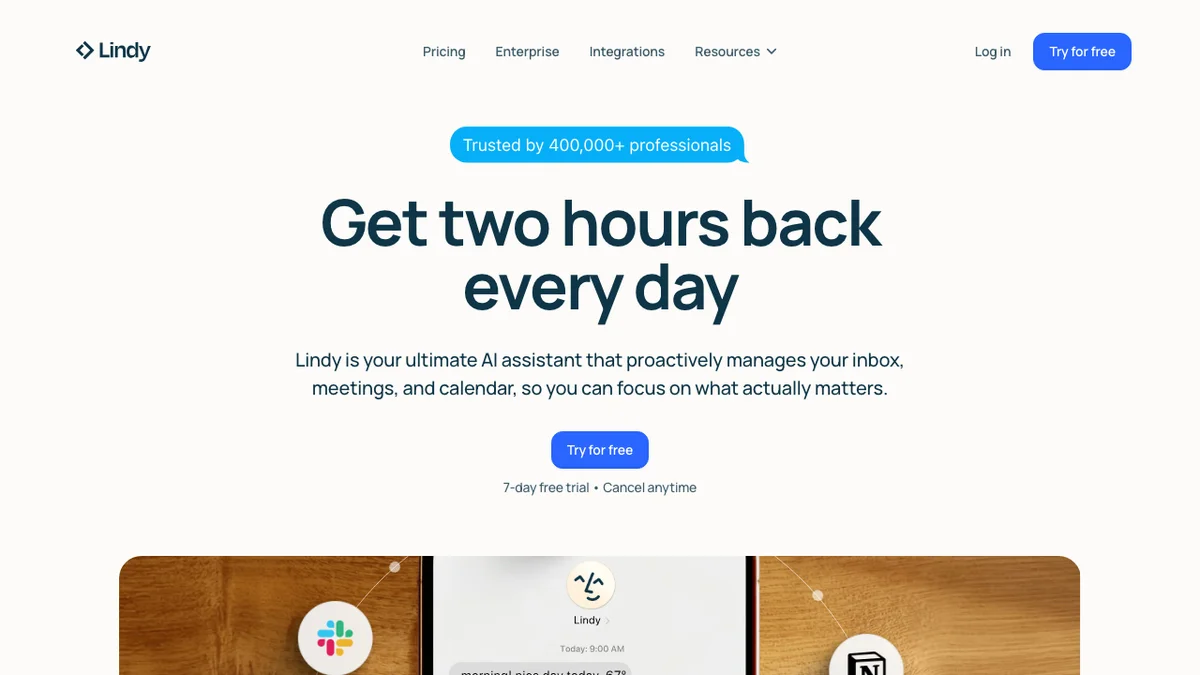
Lindy Assistant manages email, meetings, and calendars for busy professionals directly through iMessage, requiring no app download or learning.
About Lindy
Lindy Assistant is a productivity tool designed to streamline the administrative tasks of busy professionals. It handles email management, scheduling meetings, and calendar organization entirely through the iMessage platform. This approach eliminates the need for users to download a separate application or undergo any training, offering immediate utility. Professionals can manage their schedules and communications simply by texting Lindy.
Key Features
iMessage Integration
Lindy operates entirely within iMessage, allowing users to manage their schedules and communications without needing to download or learn a separate application.
Email Management
The assistant can handle various email tasks, such as drafting replies, summarizing threads, and managing inboxes, all through simple text commands.
Calendar and Meeting Scheduling
Users can schedule, reschedule, and manage meetings directly via iMessage, integrating seamlessly with existing calendar systems.
Natural Language Interaction
Interaction with Lindy is designed to be conversational, allowing busy professionals to use natural language commands to accomplish tasks.
Cross-Platform Accessibility
Because it leverages iMessage, Lindy is accessible on any device capable of sending and receiving SMS/iMessages, ensuring broad compatibility.
Use Cases
Streamlining Executive Communication
Busy executives can delegate routine email triage and scheduling requests to Lindy via iMessage, freeing up time for high-priority tasks.
On-the-Go Scheduling
Professionals who are frequently away from their desks can quickly set up or adjust meetings using only their phone's native messaging app.
Reducing App Fatigue
Users who prefer to minimize the number of specialized apps installed on their devices can manage core productivity tasks through a familiar interface.
Quick Email Drafting
When a quick response is needed while commuting or between meetings, Lindy can draft context-aware email replies based on simple instructions.
Efficient Calendar Coordination
Coordinating complex meeting times with multiple external parties can be simplified by instructing Lindy to handle the back-and-forth logistics.
Frequently Asked Questions
How does Lindy integrate with my existing calendar?
Lindy integrates with your existing calendar services (like Google Calendar or Outlook) to read availability and create new events based on your iMessage commands.
Do I need to download a separate app to use Lindy?
No, Lindy is designed to work exclusively through the native iMessage application on your smartphone, requiring no additional app installation.
What kind of security measures are in place for my emails and calendar data?
Lindy employs industry-standard security protocols to protect sensitive data managed through the service, though specific details should be confirmed on their official site.
Can Lindy handle complex scheduling requests involving multiple time zones?
Yes, the assistant is capable of understanding and managing scheduling requests that involve coordinating across different time zones.
Is there a free trial available for Lindy?
Information regarding free trials or introductory offers should be verified directly on the Lindy website, as pricing structures frequently change.