Miro
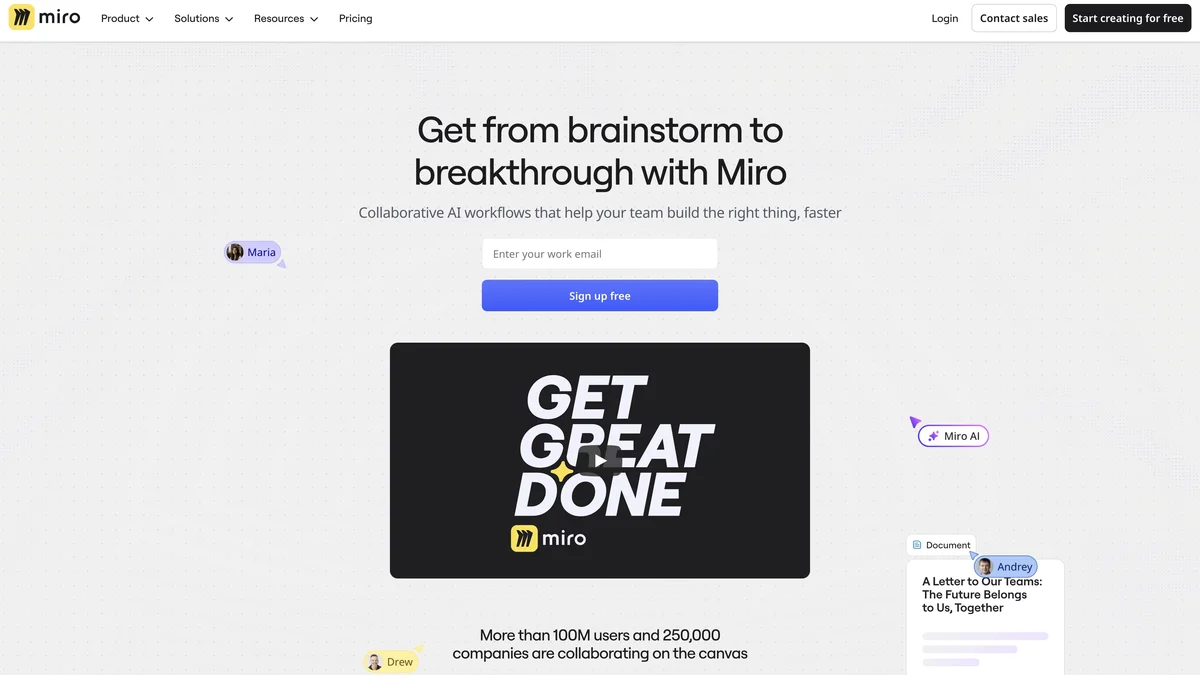
Miro is an AI-powered visual collaboration platform designed to help teams accelerate their progress from initial ideas to final outcomes.
About Miro
Miro provides an Innovation Workspace that serves as a single platform for team collaboration. It leverages AI to enhance the creative and planning processes for teams globally. The platform is widely adopted, boasting over 90 million users and utilized by 250,000 companies for their collaborative needs. It aims to streamline workflows and boost productivity across various organizational functions.
Key Features
Visual Collaboration Workspace
Miro provides an infinite canvas where teams can brainstorm, plan, map out processes, and design solutions together in real-time, regardless of their physical location.
AI-Powered Assistance
The platform integrates AI tools to help users generate ideas, summarize content, structure whiteboards, and automate routine tasks, speeding up the creative process.
Extensive Template Library
Users have access to hundreds of pre-built templates for various methodologies like Agile, design thinking, mind mapping, and project planning, allowing for quick setup of collaborative sessions.
Integrations with Popular Tools
Miro connects seamlessly with essential workplace software such as Jira, Asana, Slack, and Google Workspace, ensuring workflows remain centralized and connected.
Real-Time Co-editing
Multiple participants can simultaneously edit, comment, and react on the same board, fostering immediate feedback loops and synchronized teamwork.
Use Cases
Remote Team Brainstorming
Distributed teams can use Miro to conduct highly engaging and structured brainstorming sessions, ensuring all participants can contribute visually and asynchronously.
Agile Project Planning
Scrum masters and product owners can utilize Miro boards to run sprint planning, retrospectives, and visualize product roadmaps using familiar Agile frameworks.
Workshop Facilitation
Trainers and facilitators can design interactive workshops, mapping out user journeys, creating service blueprints, and gathering feedback from large groups in a structured digital environment.
Visualizing Complex Systems
Engineers and architects can use the infinite canvas and diagramming tools to map out complex system architectures, data flows, or organizational structures for clearer understanding.
Design Sprints and Prototyping
Design teams can run rapid design sprints, sketching ideas, creating low-fidelity wireframes, and gathering user feedback directly on the board before moving to high-fidelity tools.
Frequently Asked Questions
Is Miro free to use?
Miro offers a Free plan that allows individuals or small teams to use its core features with certain limitations on the number of editable boards.
Does Miro support offline work?
While Miro is primarily a cloud-based, real-time collaboration tool, some limited offline viewing or editing capabilities might be available through specific integrations or mobile apps, but continuous internet access is generally required for full functionality.
How secure is the data shared on Miro boards?
Miro employs industry-standard security measures, including encryption for data in transit and at rest, and offers various enterprise-level security and compliance features for paid plans.
Can I export my Miro board content?
Yes, content from Miro boards can be exported in various formats, including images (PNG, JPG), PDFs, and sometimes as data files, depending on the specific elements used.
What is the purpose of the AI features in Miro?
The AI features are designed to act as a co-pilot, helping users generate initial content, structure existing notes into diagrams, summarize long discussions, and automate repetitive board setup tasks.