monday.com
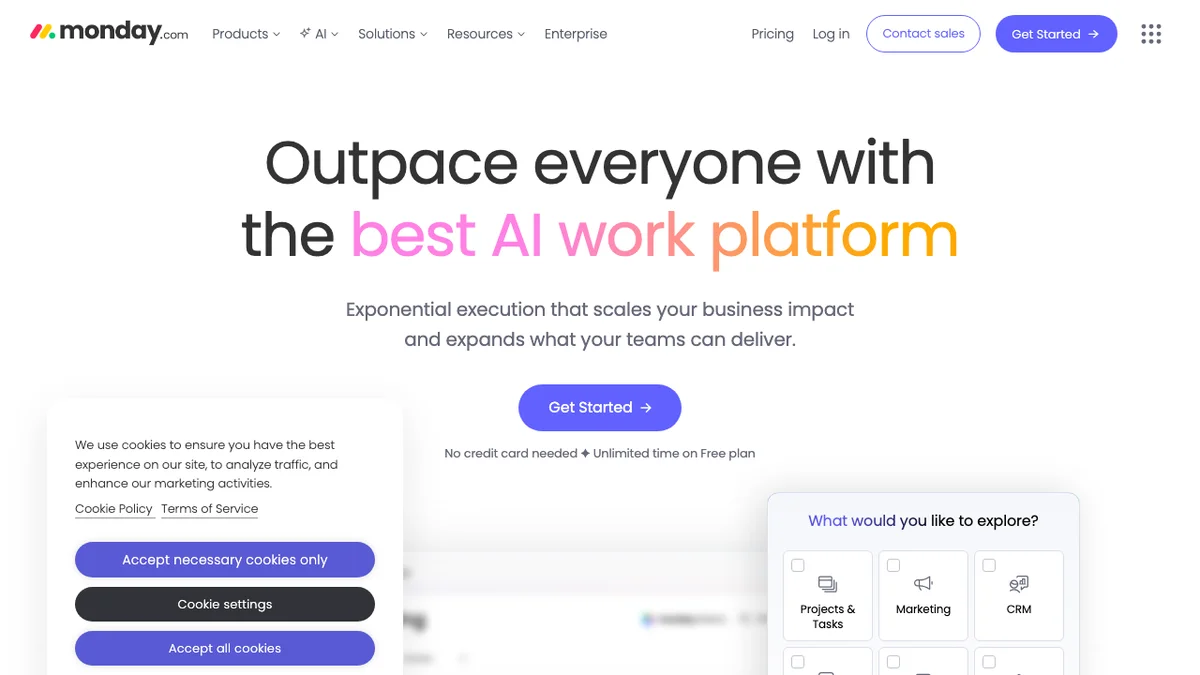
monday.com is a centralized work operating system (Work OS) that allows teams to manage all aspects of their work in one platform.
About monday.com
monday.com is the ultimate Work OS, unifying project management, CRM, and operations into one flexible, visual platform for peak team efficiency.
Key Features
Customizable Workflows
Users can build highly tailored workflows using a visual interface, allowing teams to adapt the platform to their specific processes, whether for project management, sales tracking, or HR tasks.
Multiple Views
monday.com supports various ways to visualize data, including Kanban boards, Gantt charts, calendar views, and traditional tables, ensuring every team member can interact with data in their preferred format.
Integrations Ecosystem
The platform offers extensive integrations with popular tools like Slack, Google Drive, Salesforce, and hundreds of others, centralizing communication and data flow.
Automation Recipes
It features no-code automation recipes that allow users to set up triggers and actions (e.g., 'When status changes to Done, notify John'), significantly reducing manual administrative work.
Dashboards and Reporting
Teams can create centralized dashboards pulling data from multiple boards to generate high-level reports, track KPIs, and monitor overall progress in real-time.
Use Cases
Agile Project Management
Software development teams use monday.com to track sprints, manage backlogs, and visualize progress using Scrum or Kanban methodologies within a single, shared workspace.
Marketing Campaign Management
Marketing departments utilize the tool to plan content calendars, manage creative asset approvals, and track the performance metrics of various campaigns from inception to launch.
Sales Pipeline Tracking
Sales teams can configure boards to represent their entire sales funnel, moving leads through stages, automating follow-up reminders, and forecasting revenue based on deal probabilities.
Client Onboarding Processes
Service-based businesses can standardize their client onboarding by creating templates that automatically assign tasks, share necessary documents, and ensure all compliance steps are followed sequentially.
HR and Recruitment Tracking
HR teams use monday.com to manage job requisitions, track candidate applications through the interview stages, and organize the documentation required for new hires.
Frequently Asked Questions
Is monday.com suitable for very small teams?
Yes, monday.com offers a Free plan that supports up to two users, making it accessible for small teams or individuals to test its core project management capabilities.
What is the difference between a 'Board' and a 'Workspace'?
A Workspace is a high-level container for related projects, while a Board is a specific project or list within that Workspace, used to track items and tasks.
Does monday.com require coding knowledge to set up?
No, monday.com is designed as a Work OS that emphasizes low-code/no-code customization, allowing users to build complex workflows using visual builders and pre-set automation recipes.
Can I access monday.com on mobile devices?
Yes, monday.com provides dedicated mobile applications for both iOS and Android, ensuring users can update tasks, check statuses, and manage work on the go.
How does the pricing scale as my team grows?
Pricing is generally tiered based on the number of users and the feature set required (Basic, Standard, Pro, Enterprise), with discounts often available for annual billing.