Prezi
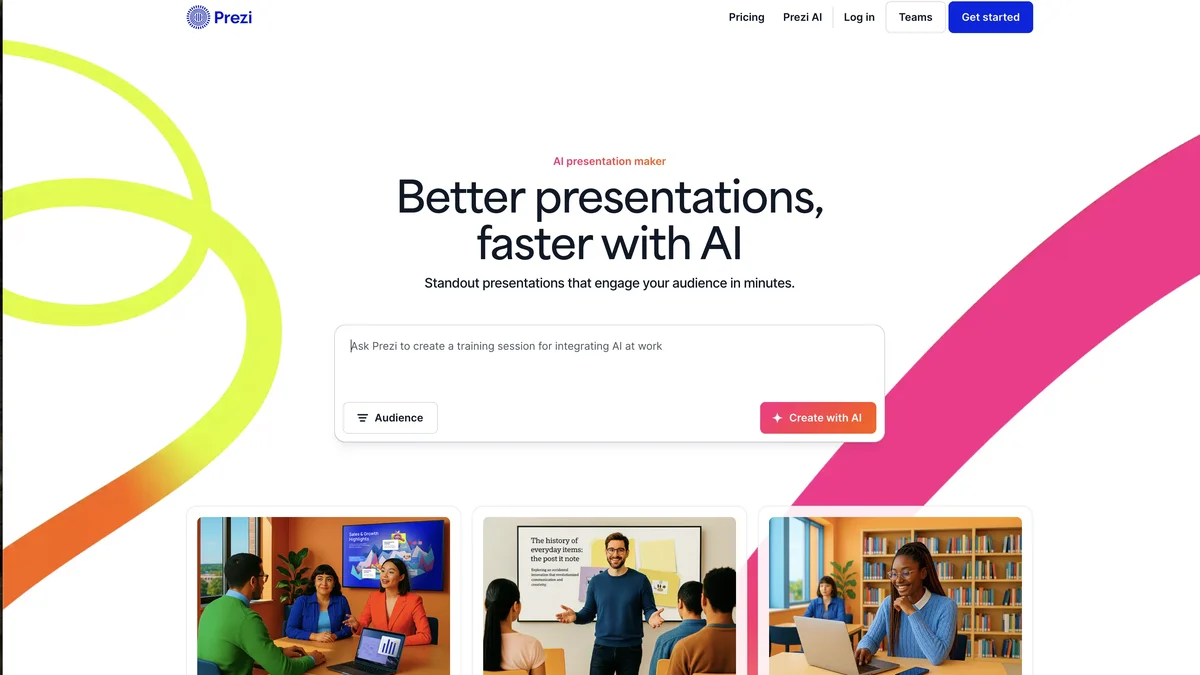
Prezi is an AI-powered presentation tool designed to help users create engaging, interactive presentations that stand out.
About Prezi
Prezi offers an innovative approach to presentations, moving beyond traditional slide-based formats. Its AI capabilities assist users in bringing their ideas to life more effectively and intuitively. The platform focuses on creating dynamic, non-linear presentations that capture audience attention. Users can leverage its tools to design interactive experiences with greater ease than conventional software.
Key Features
AI-Powered Presentation Creation
Prezi leverages AI to assist users in generating presentation outlines, suggesting relevant content, and structuring engaging narratives, significantly speeding up the initial creation process.
Non-Linear Presentation Structure
Unlike traditional slide-based tools, Prezi allows for a dynamic, zooming canvas where users can move freely between topics, creating a more immersive and memorable experience for the audience.
Real-Time Collaboration
Multiple users can work on the same presentation simultaneously, allowing teams to co-create and edit content in real-time, ensuring version control and efficient teamwork.
Analytics and Engagement Tracking
Users can track how their audience interacts with their presentations, including which parts they spend the most time on, providing valuable feedback for future improvements.
Extensive Template Library
Prezi offers a wide variety of professionally designed, customizable templates tailored for different industries and purposes, helping users start quickly with a polished look.
Use Cases
Creating Sales Pitches That Convert
Sales teams can use Prezi's dynamic structure to guide prospects through complex product features or service offerings in a non-linear fashion, emphasizing key value propositions based on prospect interest.
Delivering Engaging Educational Content
Educators and trainers can build interactive lessons where students can explore topics in depth or follow a specific path, making learning more engaging than standard linear slideshows.
Developing High-Impact Business Proposals
Professionals can structure detailed business plans or proposals that allow stakeholders to dive into specific financial models or market analyses without disrupting the main flow of the presentation.
Hosting Virtual Conferences and Webinars
Event organizers can use Prezi to create visually stunning and easily navigable virtual environments or presentation tracks for large online gatherings.
Brainstorming and Visual Mapping
Teams can utilize the infinite canvas feature as a collaborative whiteboard to map out complex ideas, project scopes, or organizational structures visually before formalizing them into a presentation.
Frequently Asked Questions
Is Prezi completely free to use?
Prezi offers a free basic plan that includes core features but often comes with Prezi branding and limitations on advanced features; paid subscriptions unlock full functionality.
Can I use Prezi presentations offline?
Offline viewing capabilities are generally available with paid subscriptions, allowing presenters to access and show their work even without an active internet connection.
How does Prezi compare to PowerPoint or Google Slides?
Prezi's main differentiator is its non-linear, zooming canvas, which promotes dynamic storytelling, whereas PowerPoint and Google Slides primarily rely on linear, slide-by-slide progression.
Does Prezi support embedding external media?
Yes, Prezi allows users to embed various types of media, including videos (like YouTube), images, and external links directly into the presentation canvas for richer content delivery.
Is there a learning curve associated with Prezi's unique interface?
While the initial concept of the zooming canvas might require a short adjustment period, Prezi has streamlined its editor over time, making it relatively intuitive for users familiar with presentation software.