SaneBox
SaneBox is an AI-powered email productivity tool designed to save professionals significant time managing their inboxes.
About SaneBox
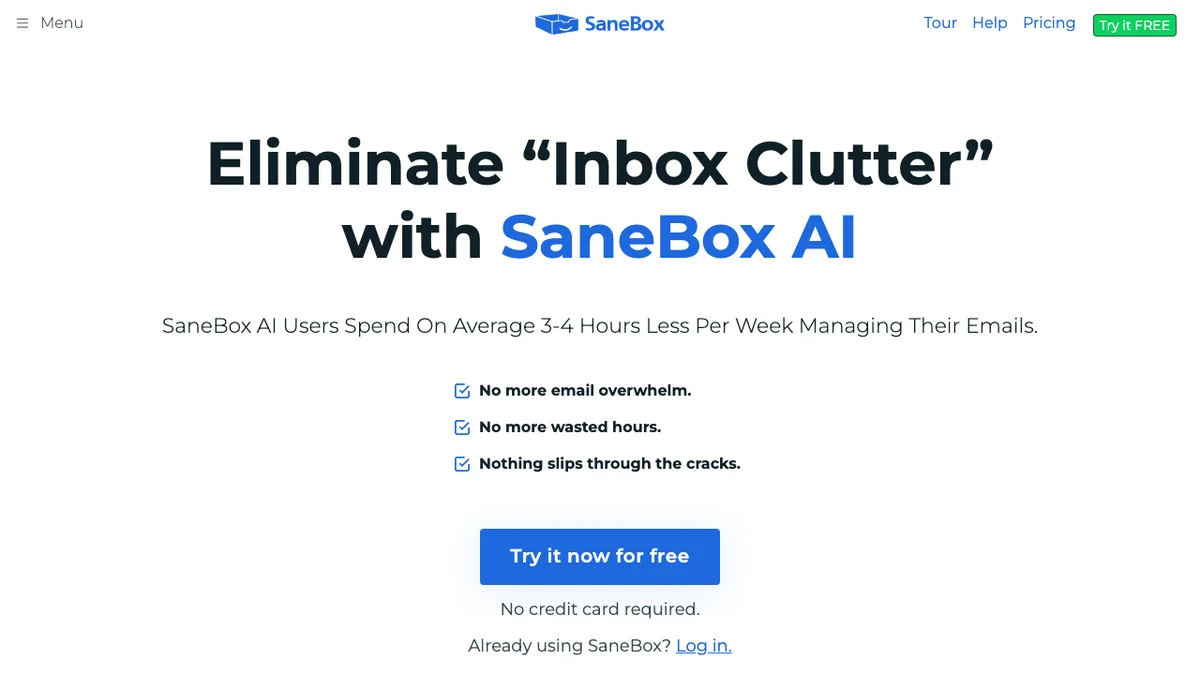
SaneBox utilizes artificial intelligence to filter and organize incoming emails, helping users reclaim substantial time previously spent on email management. On average, users report saving 12 to 14 hours per month by leveraging its smart sorting capabilities. The service is trusted by thousands of professionals seeking to enhance their focus and efficiency. It works across various email clients and platforms to streamline the inbox experience.
Key Features
SaneLater Inbox
SaneBox automatically filters your less important emails into a separate folder called SaneLater, allowing you to focus only on the emails that require your immediate attention.
SaneBlackHole
This feature allows you to instantly unsubscribe from unwanted email lists or newsletters by simply forwarding the email to a special address, effectively blackholing future messages from that sender.
Snooze Functionality
Users can temporarily remove emails from their inbox and have them reappear at a specified time or date, ensuring important follow-ups are never forgotten.
Smart Folder Organization
SaneBox uses AI to learn your habits and automatically sorts incoming mail into custom folders based on the sender or topic, keeping your main inbox clean.
Email Analytics
Provides insights into your email habits, showing you how much time you spend on email and identifying your most frequent contacts and newsletters.
Use Cases
Reducing Inbox Clutter
Professionals overwhelmed by high volumes of non-urgent emails can use SaneBox to automatically triage messages, ensuring only critical communications reach the primary inbox.
Stopping Unwanted Subscriptions
Users who frequently sign up for trials or newsletters but later wish to stop receiving marketing emails can use SaneBlackHole to permanently block future correspondence.
Managing Follow-ups and Reminders
Individuals who need to defer responding to an email until a specific deadline or until they have time to dedicate to it can use the snooze feature to resurface the message later.
Improving Focus Time
By isolating newsletters and low-priority correspondence, SaneBox helps knowledge workers dedicate uninterrupted blocks of time to deep work rather than constant email checking.
Consolidating Multiple Accounts
Users managing several different email accounts (work, personal, side projects) can have SaneBox consolidate and filter all incoming mail into one unified, prioritized view.
Frequently Asked Questions
Is SaneBox compatible with my email provider?
SaneBox works with virtually any IMAP email service, including Gmail, Outlook, Yahoo, and custom domains, by setting up a simple forwarding rule.
How does SaneBox handle security and privacy?
SaneBox uses bank-level 256-bit encryption for all data in transit and at rest, and they explicitly state they never sell or share your personal email data with third parties.
Can I customize which emails go to SaneLater?
Yes, you have full control; you can easily move emails out of SaneLater, and the system learns from these manual adjustments to improve future filtering accuracy.
Is there a free trial available for SaneBox?
Yes, SaneBox typically offers a 14-day free trial period so users can test the productivity gains before committing to a paid subscription.
Does SaneBox work on mobile devices?
Since SaneBox operates on the server side, it works seamlessly across all devices where you access your email, including iOS and Android phones and tablets.