Webflow
Webflow is a visual web development platform enabling users to design, build, and launch fully custom websites without needing to write code.
About Webflow
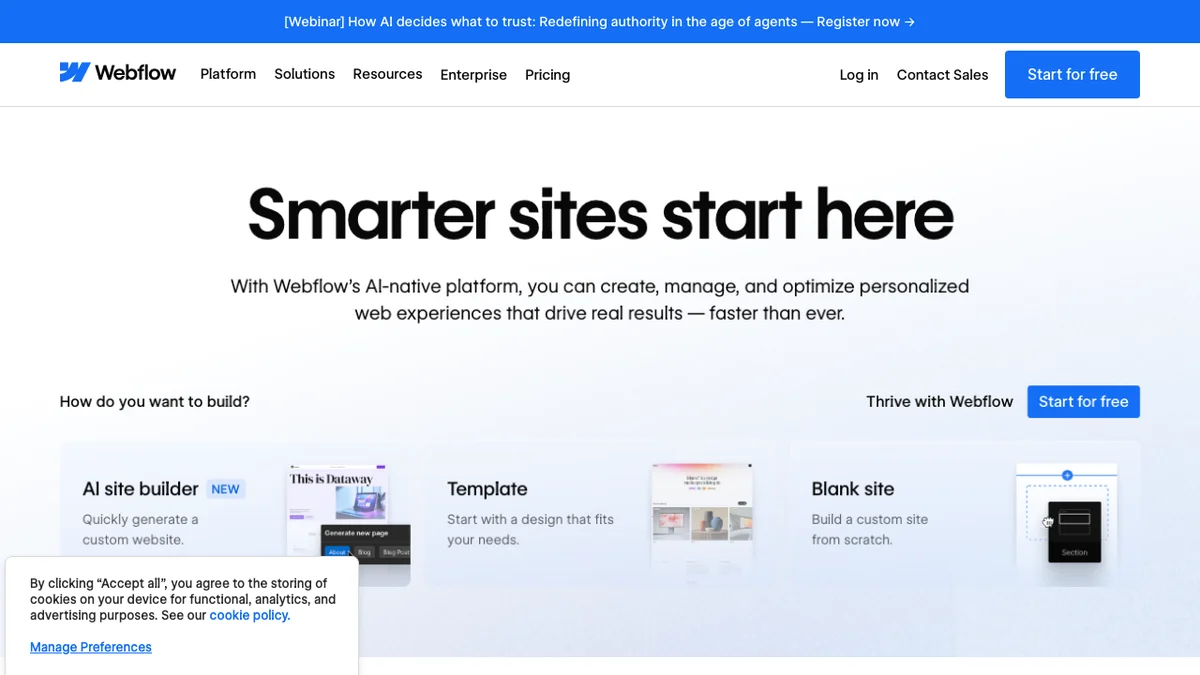
Webflow provides a powerful visual interface that bridges the gap between design and development, allowing users to create professional, responsive websites. It combines the creative freedom of design tools with the power of clean, production-ready code generated automatically. This platform is favored by designers, agencies, and developers who seek high levels of customization without the traditional constraints of coding every element by hand. Webflow hosts and manages the resulting websites, offering a comprehensive solution from concept to deployment.
Key Features
Visual Canvas Editor
Webflow provides a powerful, visual interface that mirrors the structure of HTML and CSS, allowing designers to build complex, responsive websites interactively without touching code.
CMS Integration
Users can build dynamic, content-driven websites using the built-in Content Management System (CMS), enabling easy management and scaling of content like blog posts, team members, or products.
Hosting and Deployment
Webflow offers integrated, high-performance hosting powered by Amazon Web Services (AWS) and Fastly, simplifying the deployment process directly from the design environment.
Interactions and Animations
It includes a robust visual toolset for creating complex, browser-native animations and interactions, allowing for sophisticated user experiences without custom JavaScript.
Code Export (Limited)
While primarily a no-code platform, Webflow allows users to export clean, production-ready HTML, CSS, and JavaScript for use outside the platform, though this feature is often restricted in lower tiers.
Use Cases
Building Agency Portfolios
Design agencies use Webflow to rapidly prototype and launch visually stunning, custom-branded portfolio websites for themselves or their clients, showcasing design capabilities effectively.
Creating E-commerce Stores
Entrepreneurs can design and launch fully functional e-commerce sites with custom layouts, product pages, and checkout flows, leveraging Webflow's integrated e-commerce features.
Developing Marketing Websites
Marketing teams utilize Webflow to build high-converting landing pages and full marketing sites that require precise design control and fast loading speeds, often integrating with other marketing tools.
Prototyping Custom Web Applications
Product teams use the platform to create high-fidelity, interactive prototypes that look and feel exactly like the final product, bridging the gap between design mockups and development.
Launching Personal Blogs and Content Hubs
Individuals and publishers leverage the CMS capabilities to build scalable, beautifully designed blogs or resource centers that are easy to update and maintain.
Frequently Asked Questions
Is Webflow truly code-free?
Webflow is largely a no-code platform, meaning you design visually. However, it generates clean, production-ready HTML, CSS, and JavaScript, making it suitable for developers who want visual speed without sacrificing code quality.
Does Webflow include hosting?
Yes, Webflow offers integrated, enterprise-grade hosting solutions directly tied to your site plan, which handles CDN, SSL, and scaling automatically.
Can I use custom fonts and third-party scripts?
Absolutely, Webflow allows users to easily integrate custom fonts via services like Google Fonts or direct uploads, and embed custom code snippets (like analytics or marketing tags) across the site.
What happens if I need to switch hosting later?
While Webflow's integrated hosting is recommended for optimal performance and feature access, users on certain plans can export the raw code (HTML/CSS/JS) to host elsewhere, though dynamic CMS features may require migration.
Is there a free option to test the platform?
Yes, Webflow offers a free Starter plan that allows users to build and design two projects on a subdomain, providing ample opportunity to learn the interface and build basic sites before committing to a paid plan.