Softr
Softr is a no-code platform that enables users to build internal tools, client portals, and web apps using their existing data sources like Airtable and Google Sheets.
About Softr
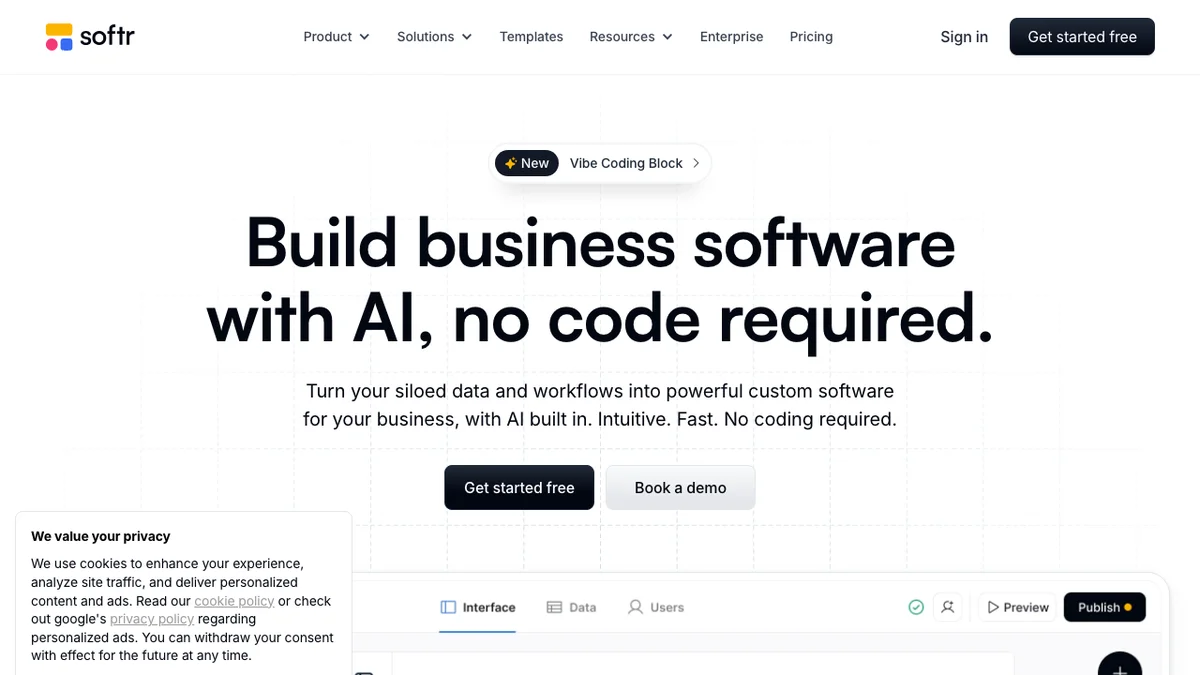
Softr allows users to quickly transform data from sources such as Airtable, Google Sheets, and HubSpot into functional web applications and internal tools without writing any code. The platform features a drag-and-drop interface with pre-built blocks, offering extensive customization for design and functionality. Users can easily define access permissions to control who sees what data. Once configured, these tools and portals can be published and shared with teams or clients in just a few clicks, streamlining business operations.
Key Features
Drag-and-Drop Interface
Softr provides an intuitive visual editor that allows users to design and customize their web applications without writing any code, speeding up the development process significantly.
Data Source Integration
It seamlessly connects with popular data backends like Airtable, Google Sheets, and Xano, allowing users to build dynamic applications based on their existing databases.
Pre-built Templates
Users can start quickly by leveraging a library of professional, pre-designed templates for various applications such as client portals, internal tools, and marketplaces.
User Management & Permissions
Softr includes built-in features for managing user accounts, setting up login/signup flows, and controlling access levels to ensure data security and appropriate visibility.
Custom Domain Support
Applications built on Softr can be launched using a custom domain name, providing a professional and branded experience for end-users.
Use Cases
Building Client Portals
Businesses can quickly deploy secure portals where clients can view their specific data, submit requests, and track project progress using their existing Airtable records.
Creating Internal Tools
Teams can develop custom dashboards and management interfaces for internal operations, such as inventory tracking, CRM extensions, or employee directories, directly connected to their operational spreadsheets.
Launching Member-Only Websites
Entrepreneurs can use Softr to create subscription-based websites or communities where content access is gated based on user roles and payment status.
Developing Simple Marketplaces
Users can construct basic two-sided marketplaces where vendors can list items and buyers can browse and interact, all powered by a structured backend database.
Prototyping Web Applications
Product teams can rapidly prototype and test functional web application concepts using real data sources before committing to full custom development.
Frequently Asked Questions
What data sources does Softr support?
Softr primarily integrates with Airtable and Google Sheets, but it also supports Xano and can connect to other data sources via APIs for more advanced use cases.
Is there a free plan available?
Yes, Softr offers a free plan that allows users to build and launch one application with limited features and Softr branding, suitable for testing and small projects.
Can I use my own domain name?
Yes, custom domain support is available on paid plans, allowing you to host your Softr application under your own professional URL.
Do I need to know how to code to use Softr?
No, Softr is specifically designed as a no-code platform, relying on a visual drag-and-drop interface for building applications.
How is user data secured?
User data security is managed through the connected backend (like Airtable) and Softr's built-in user management system, which controls access permissions based on user roles.